Best CRM for small businesses: how to choose the one you'll actually use (2026)
Jul 1, 2026

It's not that you lack a CRM: you have too many disconnected tools

A typical small business handles leads in one place, WhatsApp in another, emails somewhere else, follow-ups in a spreadsheet… and the rest in the owner's head. Each tool works on its own, nobody sees the full picture, and one day a customer who was ready to buy slips away —not for lack of work, but because the follow-up fell between two apps—. That sale wasn't lost for lack of effort: it was lost for lack of a system.
That's why, when someone searches for the «best CRM for small businesses», they're not after one more program: they want to stop losing sales to disorganization. A good CRM for a small business isn't a contact filing cabinet: it's the layer that unifies sales, communication and follow-up in one place so no opportunity falls through. The right question isn't «which CRM has the most features?», but «which one takes the most work off my plate?».
What a good CRM for a small business really needs
A good CRM isn't measured by how many features it has, but by how much work it takes off your plate. Here's what matters —and what's usually just smoke—:
| What matters | What is just smoke |
|---|---|
| Unifies everything in one place (sales, WhatsApp, email, reports) | 200 features nobody uses |
| Automates the repetitive (follow-ups, reminders, lead assignment) | A pretty dashboard with nothing behind it |
| Real AI working underneath | A toy "chatbot" stuck on top |
| You run it from your phone | Only works sitting in the office |
| Does not charge per user | More expensive the more you grow |
If it does this, it stops being a contact list and becomes an operational layer that works for your business.
The per-user pricing trap
A detail that seems minor and isn't: most CRMs charge you per user. It sounds fine at first, when the team is two people. But it's a trap: just when your business grows and you add people, the system that should help you scale punishes you with an ever-bigger bill. A CRM with no user limit changes the equation —you grow without the CRM's cost holding you back—.
Two examples (and what they save)

The simple one: a small business that ran everything on a spreadsheet and the owner's WhatsApp. Moving to a CRM that unifies leads and automates follow-ups, it stopped losing inquiries and the owner got back about 2 hours a day spent copying data and remembering who to reply to: around 40 hours a month (over €600) back to selling.
The ambitious one: the same CRM, but with AI measuring end to end —which campaign each lead came from, which channel closes best, which contact is worth reactivating— and an agent that attends and qualifies on WhatsApp on its own. There the CRM stops being a place where you take notes and becomes a system that tells you where to put the money and runs the follow-up for you. The saving scales to 100+ hours a month and, above all, not a single opportunity falls through.
The Funnel Box
Need a growth strategy?
Business consulting focused on real and sustained results.
How to choose without getting it wrong
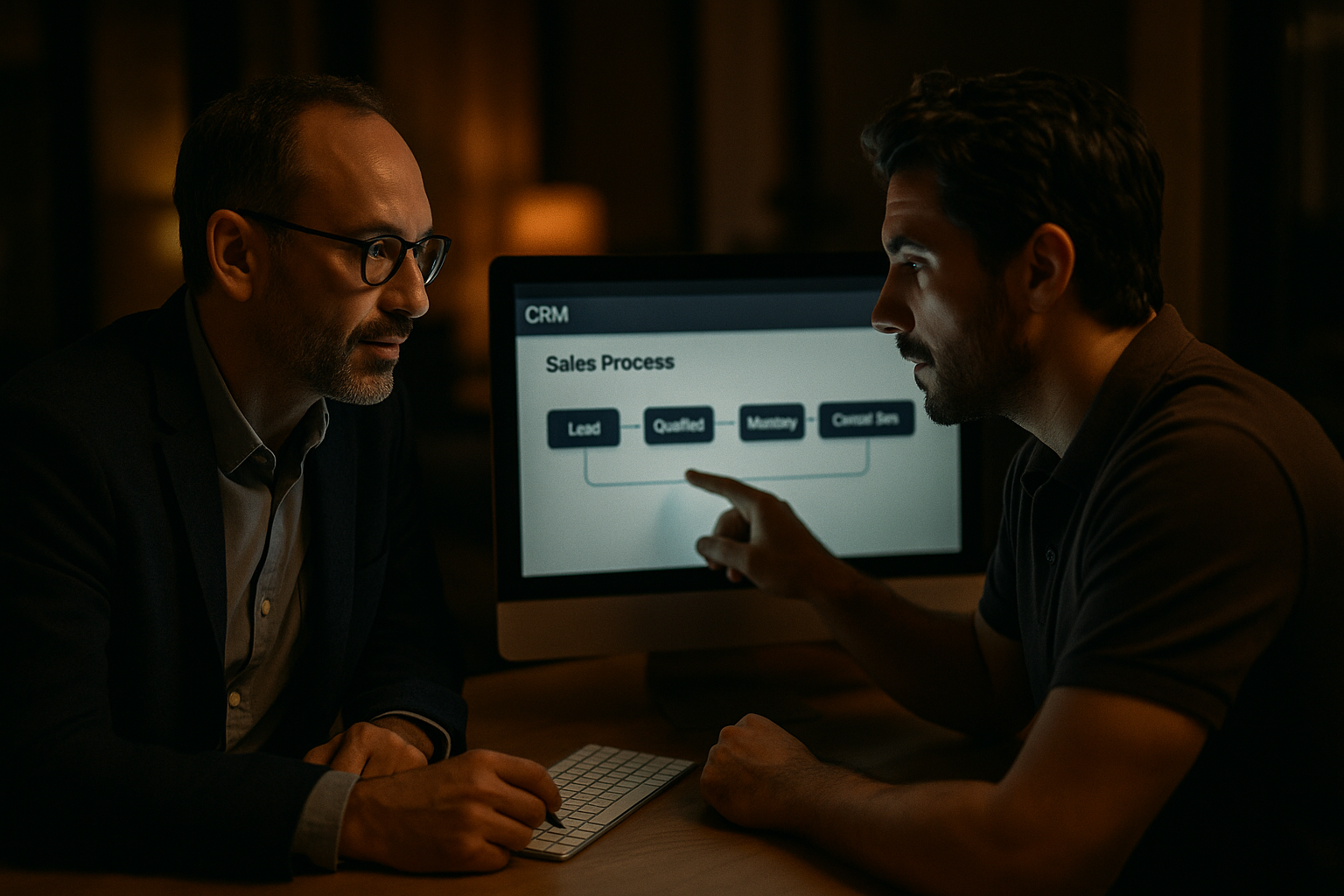
The most common mistake is choosing by the feature list. Do it the other way around: first look at your own process —how leads come in, where they get stuck, which follow-up falls through— and only then look for the CRM that solves that. You choose the tool by the problem, not by the brochure.
That's why, when we set up a CRM, we first get inside how your business works: who does what, where time is lost, what slips away. We analyze and debate it with you, we configure it to your operation and we fine-tune it the first weeks until it works on its own. A badly configured CRM is a more expensive spreadsheet; a well-thought-out one is what sustains your growth.
If you want to see how we build it —with AI and connected agents—, we look at it together in an AI consulting session.
Frequently asked questions
What's the best CRM for a small business? The one that adapts to YOUR process and doesn't charge per user, not the one with the most features. Before choosing, look at where your sales fall through today.
Does a small business need a CRM? Yes, more than a big one: you have less room to lose leads. The smaller the team, the more it helps to have everything in one place.
Is it expensive? It depends on the model. The ones that charge per user get expensive as you grow; one with no user limit stays with you without punishing you for adding people.
Do I need to be tech-savvy? No. We handle the setup; what you bring is how your business works.
How long until it's working? It depends on your operation, but the order is the same: first we understand your process and then we configure it. That diagnosis is what makes you actually use it.
Written by
Gonzalo Castro
Founder of The Funnel Box · OpenAI Select Partner
Business and artificial intelligence consultant. I accompany companies from within to build growth systems that are sustained over time.
